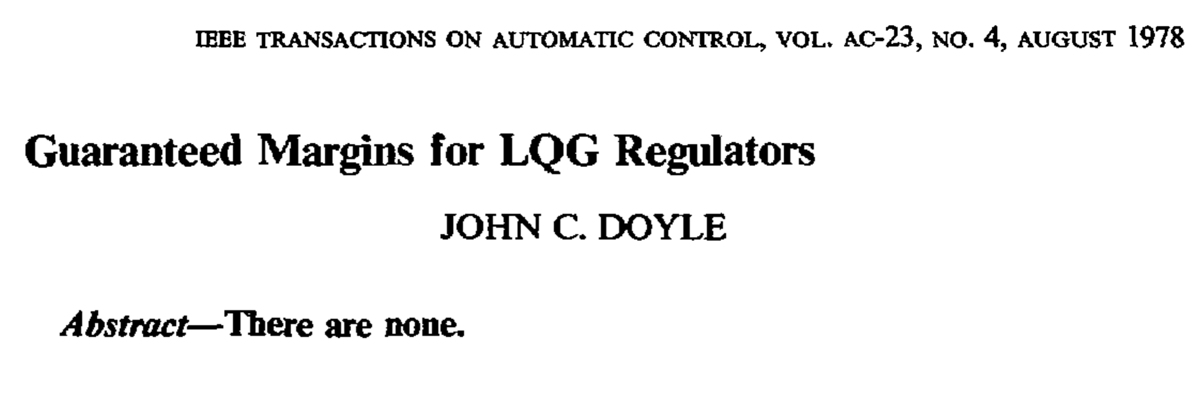
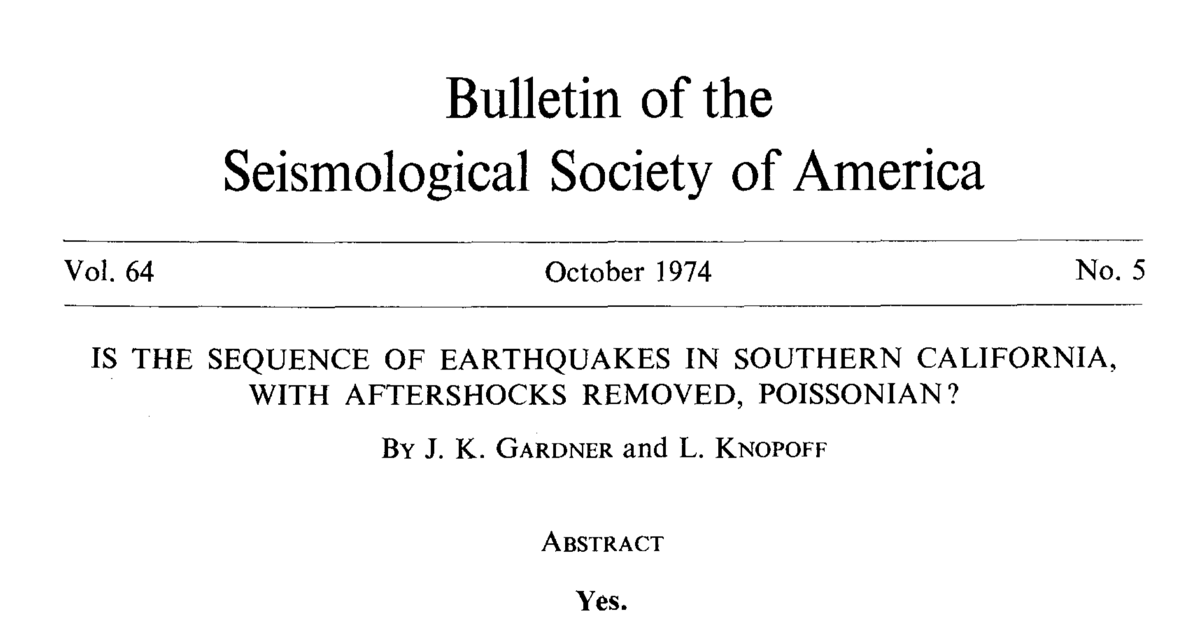
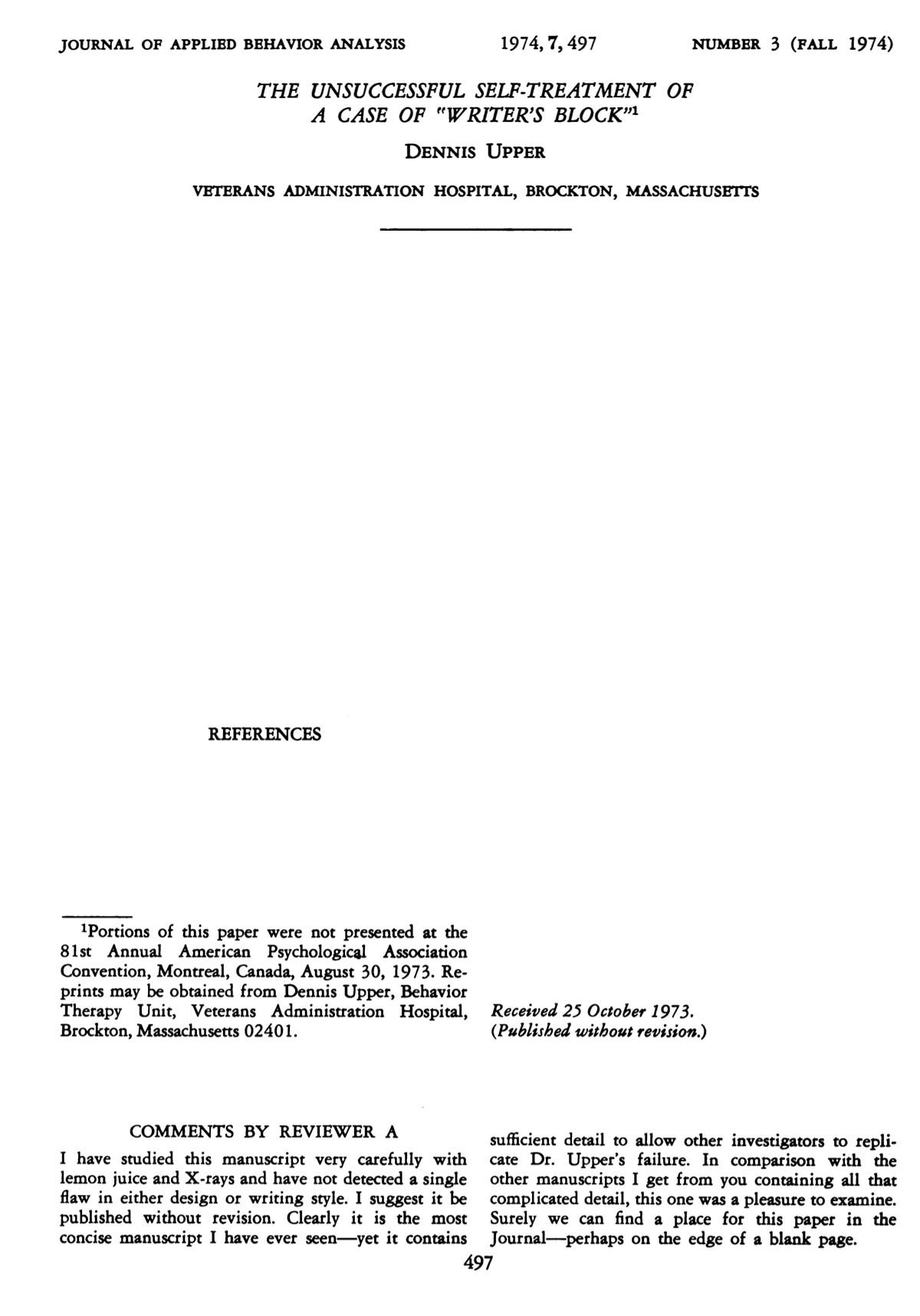
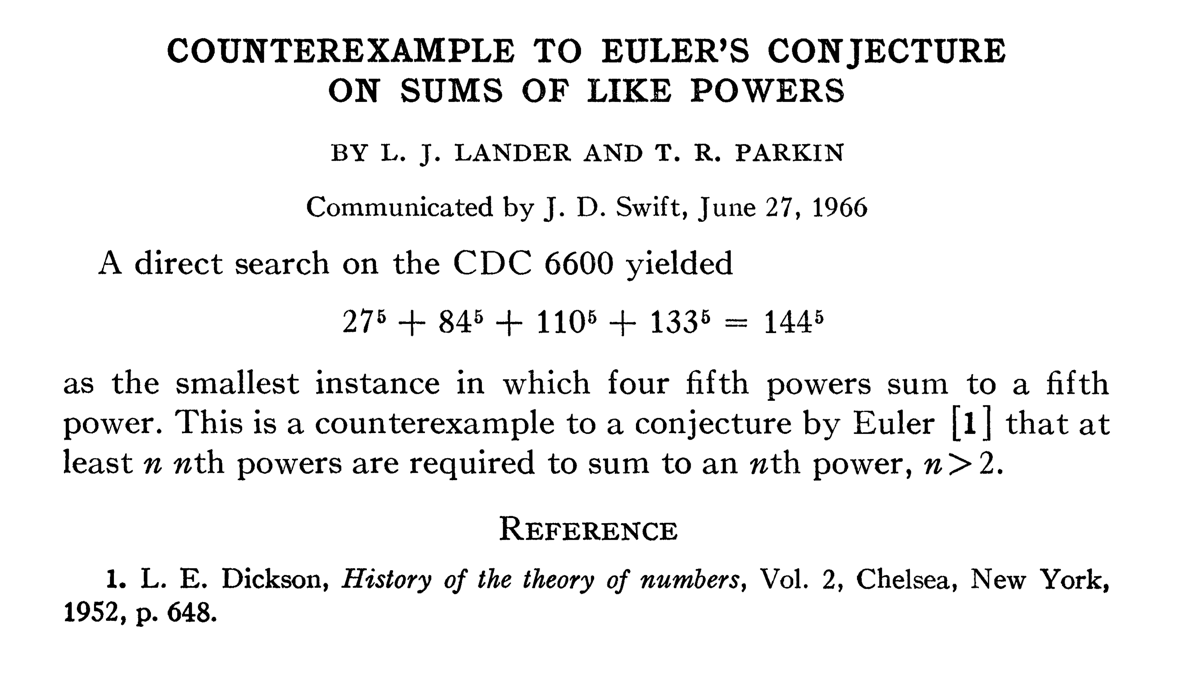
The 3 nature papers on DNA structure published in 1953: The Watson-Crick paper is one of the best written manuscripts I have ever read. Please read the delicate three lines on p. 558 by Watson & Crick starting with ("It has not escaped our notice.....", rarely has ONE sentence hidden so much depth and comprehension).
Guides:
How to become a scientist by Pr. Yewdell: First, Second
All laboratory staff NEED (obligatory) to have completed Inserm's Néo : accueil et prévention (expect 4x20min).
Always wear lab coat and gloves when experimenting.
Make sure to treat waste correctly. Ask your supervisor or colleagues if in doubt. A. Liquid waste should be marked with your initials, U1135, date and a description of the content (should be placed in the corridor on Wednesday afternoon). B. Solid waste should be marked with your initials, U1135 and the date.
Antibodies
Antibodies are playing a major role in our research. Both directly as our target of interest as well as indirectly, because they represent essential tools for the detection of various biomolecules (Flow cytometry, ELISA etc.). Antibody reagents used for research can be unconjugated or conjugated with biotin, HRP or various fluorochromes. They are generally very expensive (3-600 Euros per bottle/tube). HOW should you preserve these reagents.
1. Always work on ice (when you take the tube out of the fridge or freezer keep them on ice at all times).
2. Avoid freeze-thaw cycles. For antibodies that requires to be stored frozen make aliquotes. When aliquotes are thawn (only after verifying that an aliquote is not already available in fridge) do NOT re-freeze them (keep in fridge).
3. Antibodies are generally very stable and can be stored for quit a long time in fridge (follow manufactures recommendation)
4. For long-term storage antibodies can be frozen at -80dC (AVOID for PE conjugated antibodies). Make aliquotes of a reasonable size, which can be left in fridge after thawing for a few months (avoid freeze-thaw cycles). NEVER freeze a completely batch of antibody.
5. Rarely (only after discussing with your supervisor) antibodies can be frozen at -20dC, but in this case adding upto 50% glycerol is an advantage as it will benefit from the low temperature but avoid crystalization (even at -20dC the antibody solution is still liquid).
6. Samples containing antibodies (serum, fecal water, breastmilk etc.) are generally stored at -80dC (long-term storage), but if they have been diluted or plated out for experimental use with no need for long-term storage they can be stored at -20dC (please consult your supervisor).
Beyond the impact the above guidelines could have on the experimental quality of your work, antibodies are also a major part of our lab budget. Please take care of them.
Exhaustive boolean gating can be done in Flow Jo using the "Combination gates" function. Exporting this data can then be analyzed with the FunkyCells software.